 Clausage
Your Claude limits, where you already look.
A Claude usage meter in the Mac menu bar and on your phone. One glance tells you how much you have left.
Project facts
- Role
- Designer and engineer
- When
- October 2026
- Built in
- About 48 hours1
- Runs on
- Mac and iPhone2
- Mac app
- Signed, notarized, updates itself3
- iPhone app
- In TestFlight
- Price
- Free
- Source
- MIT license
48
hours from concept to launch.1
14
weeks of marketing content built by a marketing agent.
6
people using it by the end of the first week.
Get to know Clausage.


The problem
Out of Claude, halfway through the job.
Claude plans come with limits, so much per session and so much per week. Run out in the middle of the work and you stop until it resets. I kept hitting mine mid-production. Checking was awkward: sometimes it was in Claude's settings menu, sometimes it took a few clicks to reach the usage page.

I wanted to look, plan, and get back to work. How much do I have left, and am I going to run out?
What I owned
From the idea to the marketing.
I made all of it: the apps, the product research, the brand, the site, and a marketing agent that writes, designs and schedules the social posts.
-
The idea.
A simple concept for a little papercut in the way Claude was working.
-
The research.
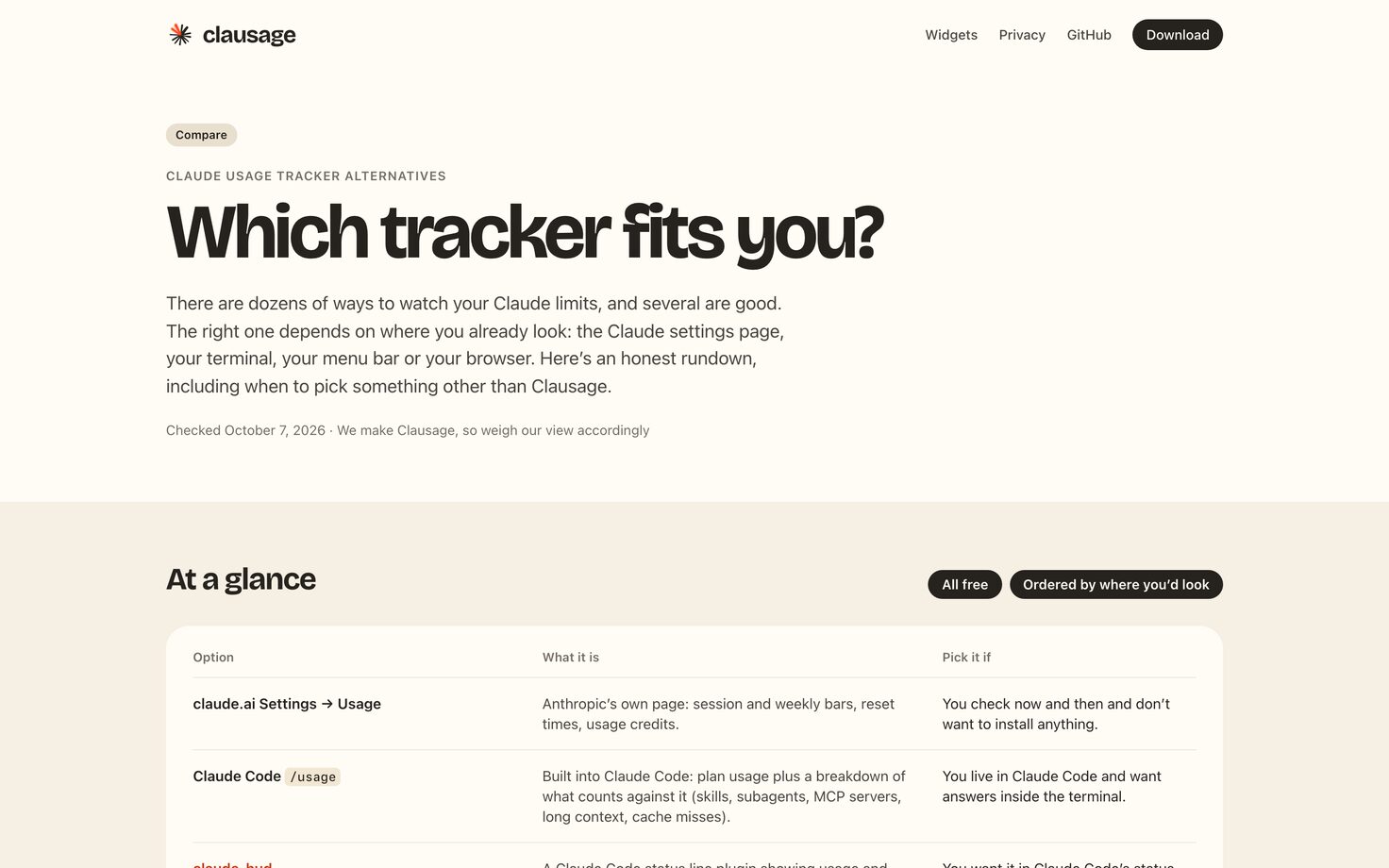
I compared more than 60 other trackers6 and found no free one for the iPhone.
-
The design.
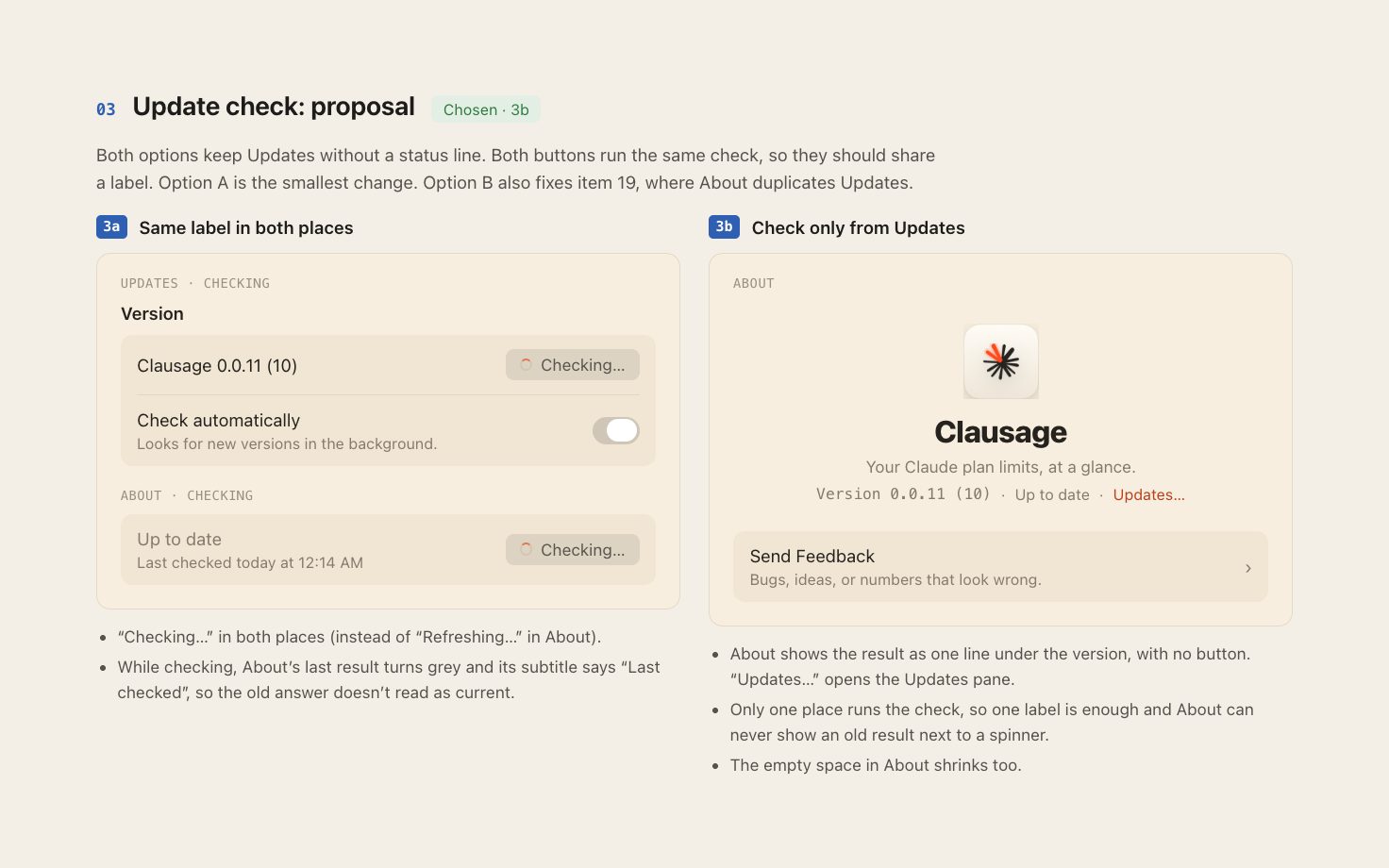
I explored by creating handoffs, building, and iterating back and forth between Claude Design and Claude Code.
-
The apps.
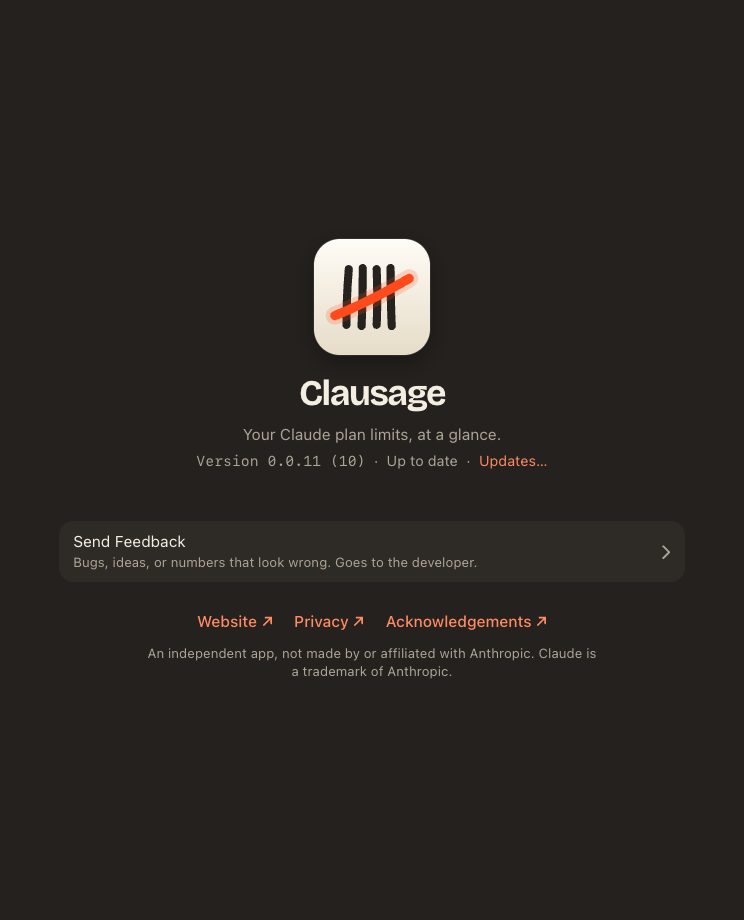
I built the Mac app, the iPhone app and their widgets, and felt them out on my own limits.
-
The brand.
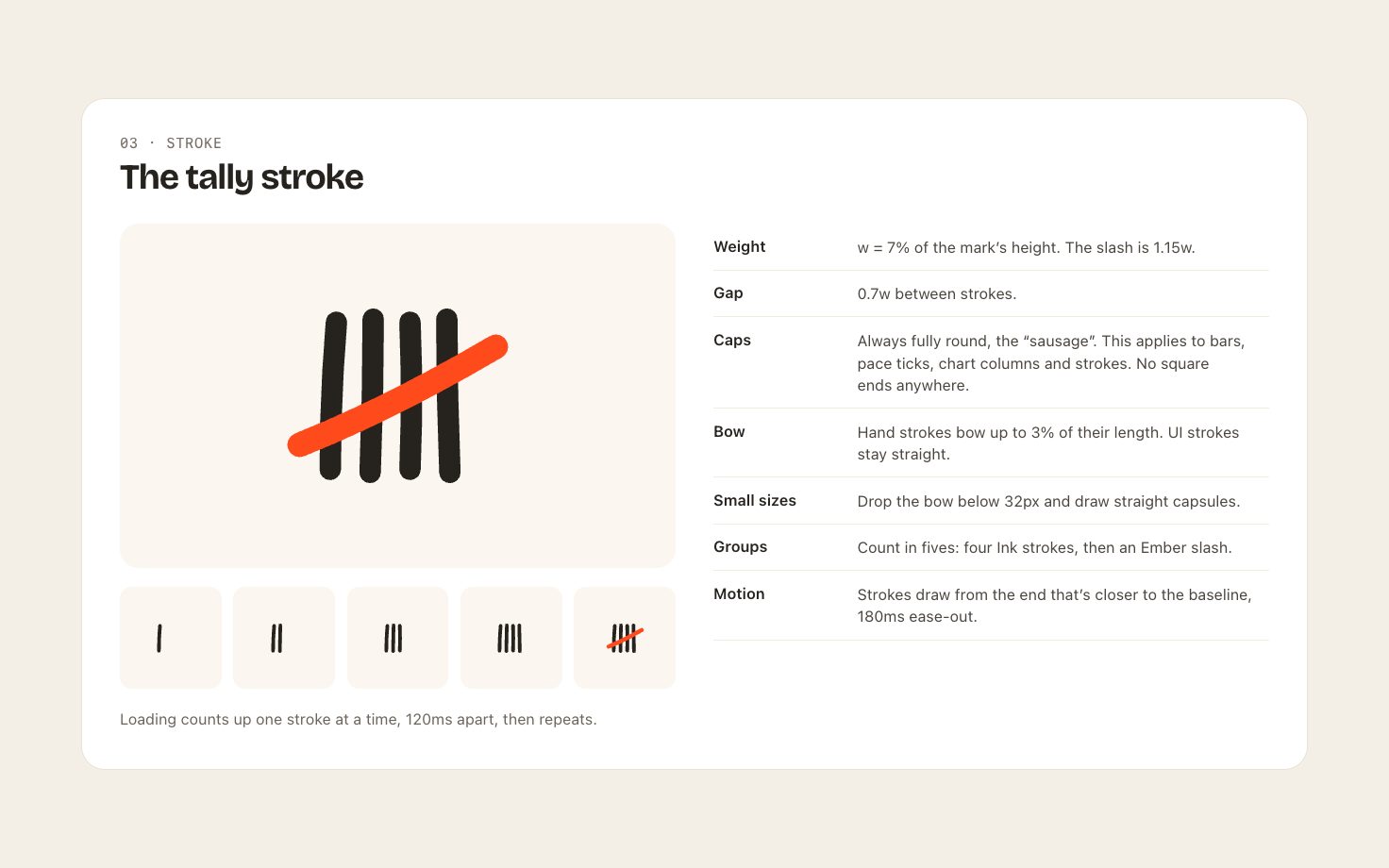
Design, feel and character came out of the same kind of process as the UI.
-
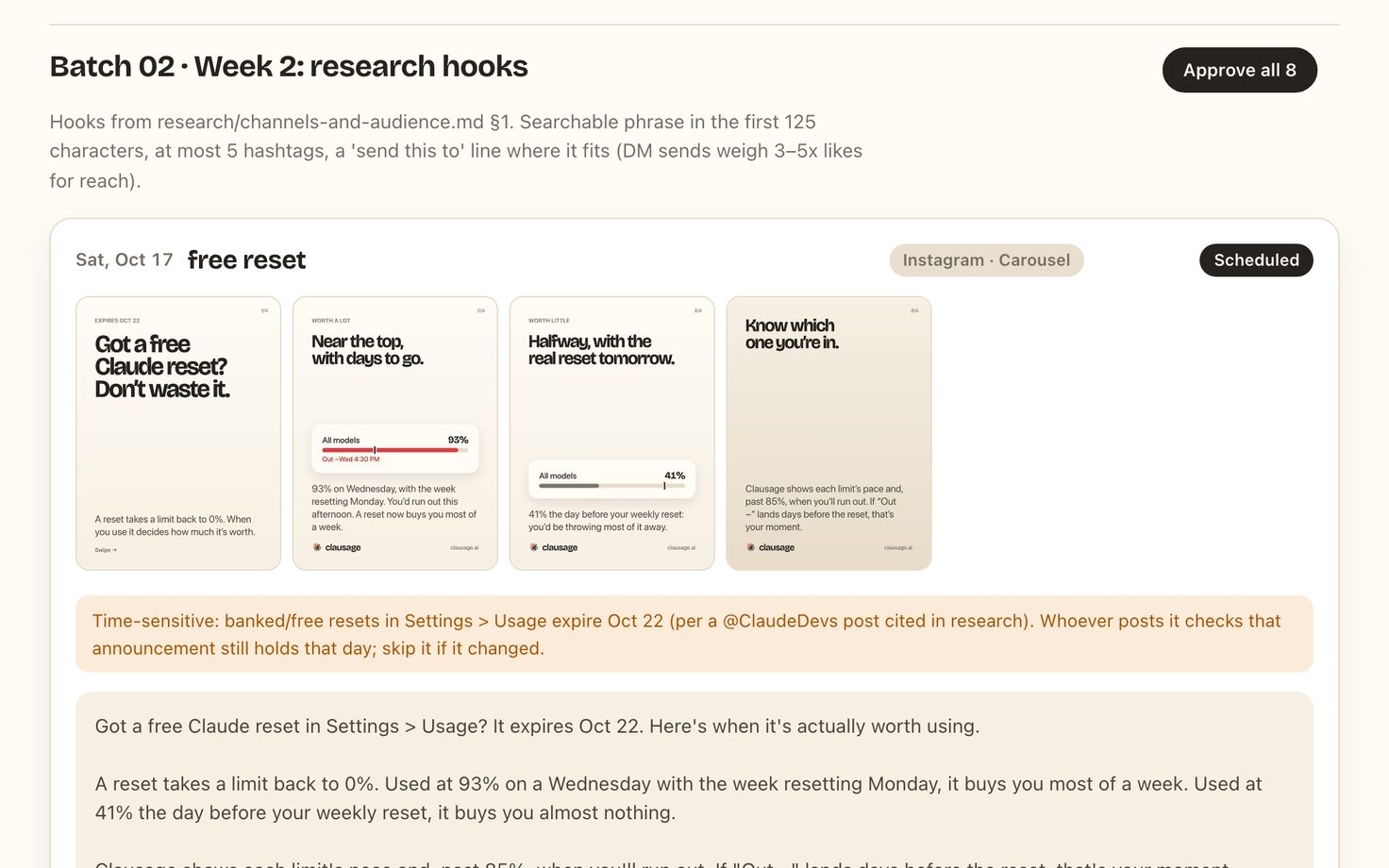
The marketing.
I built an agent that writes, designs and schedules the posts, and I approved every batch.
The solution
All meat, with a bit of sizzle.
Clean and simple. One icon, one click, exactly what I want to know. The icon fills in as the plan gets used, so most days you never read a number.
It started as Claude Usage. That was boring, so it became Clausage. The brand is sausage puns and butcher jokes, a shade brighter and sharper than Claude's own palette. Fun and funny and useful.


Menu bar. One click opens the three meters.
iPhone. The same three, the week's running total, and which product used the most.
Widgets. Small, medium and large. The large one adds the week's chart.
Lock Screen. Three gauges under the clock, from calm to nearly out.
-
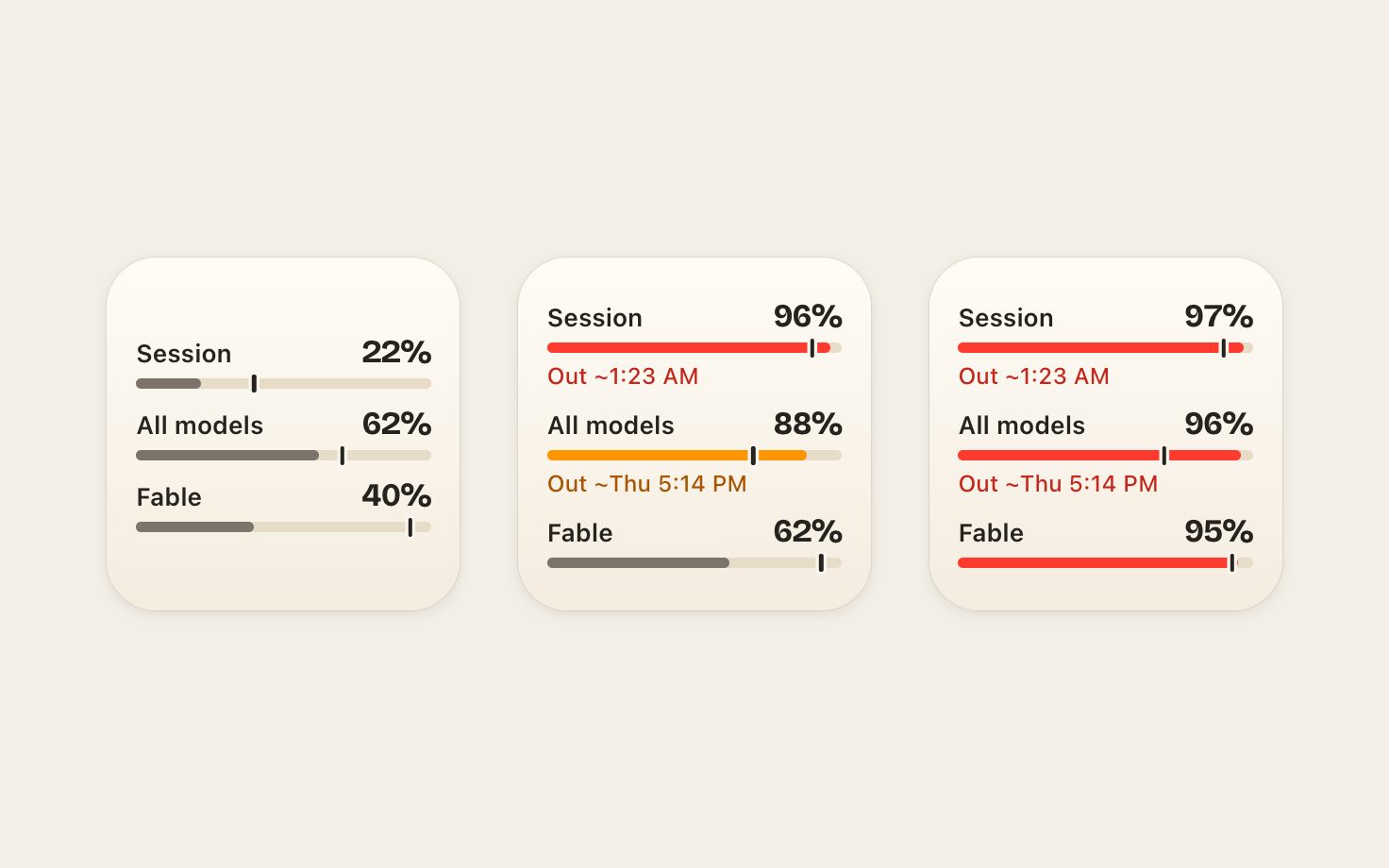
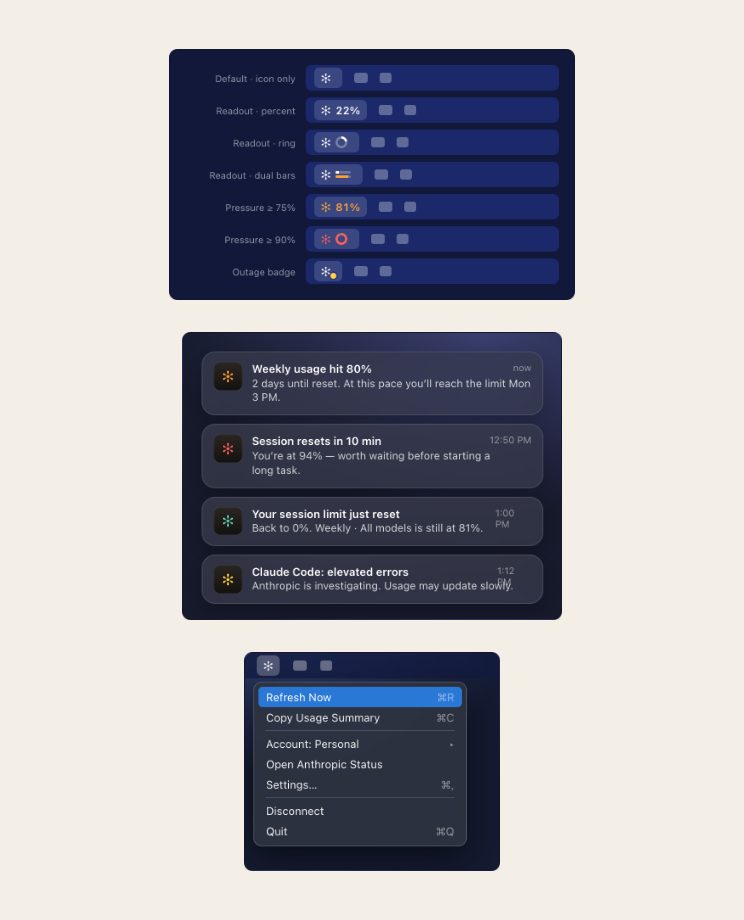
Grey, then orange at 85%, then red at 95%.
-
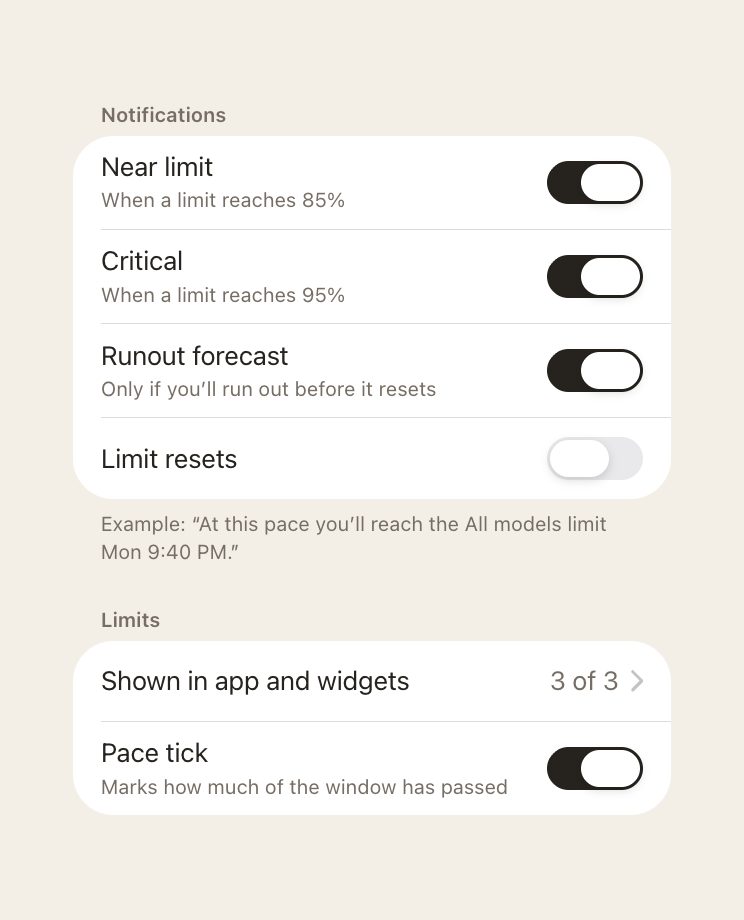
Alerts at 85% and 95%.
Alerts when you want them.

The brand's tally: four strokes and an orange slash.
Underneath
Read your usage, and nothing else.
There was no published API for reading your own usage. I didn't know it was possible. The first experiment was finding out.


It was. You sign in once on Claude's own page, and the app never sees your password.
The app reads the same numbers the usage page shows.
Each account keeps its own session on the device.
Tough calls
Three numbers.
The glance shows three numbers: this session, this week, and Fable's own meter.4 More waits in the settings. I cut a lot of potential features to keep it that simple.
-
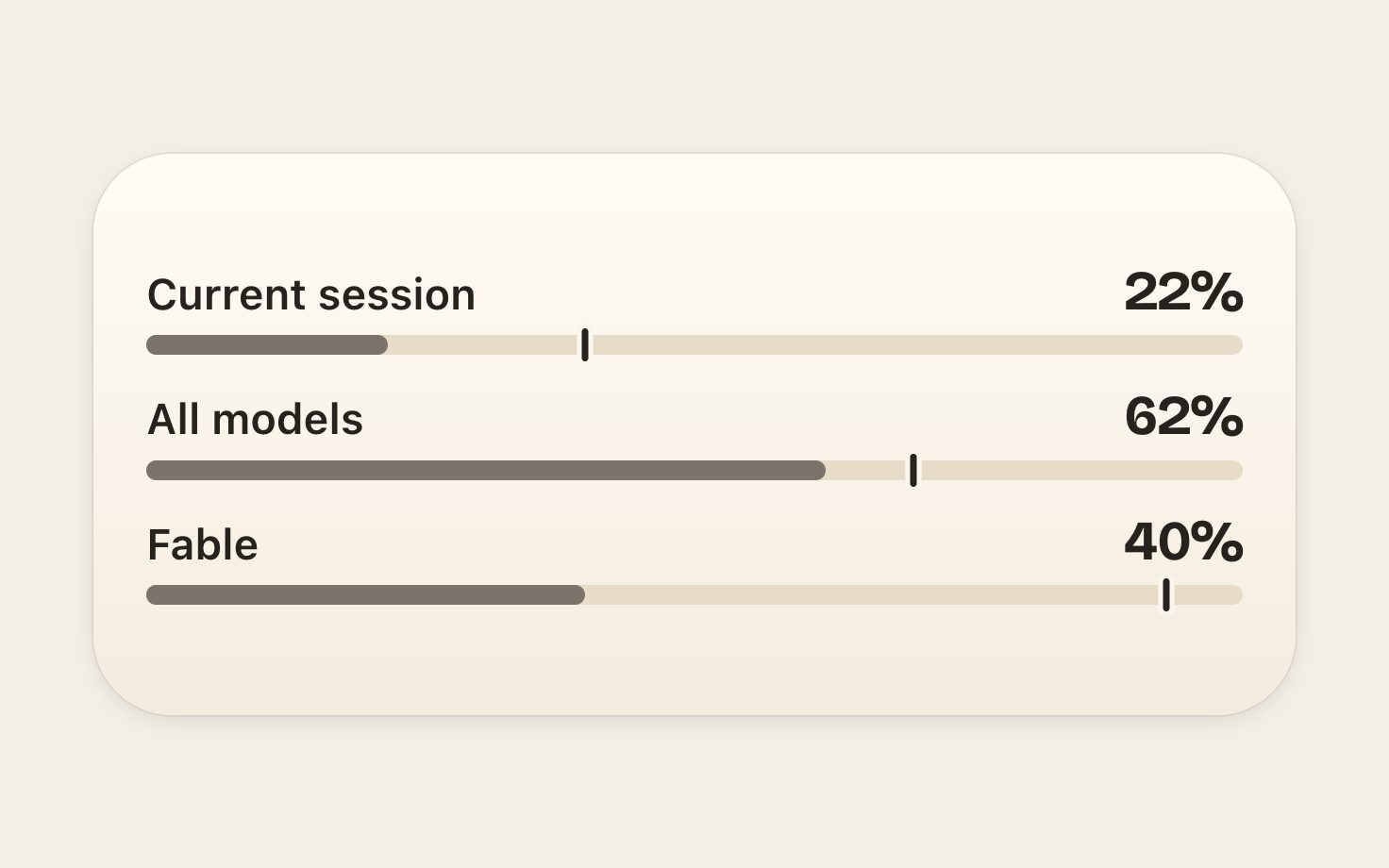
Session, all models and Fable.
Each with its own bar and a tick for an even pace.
-
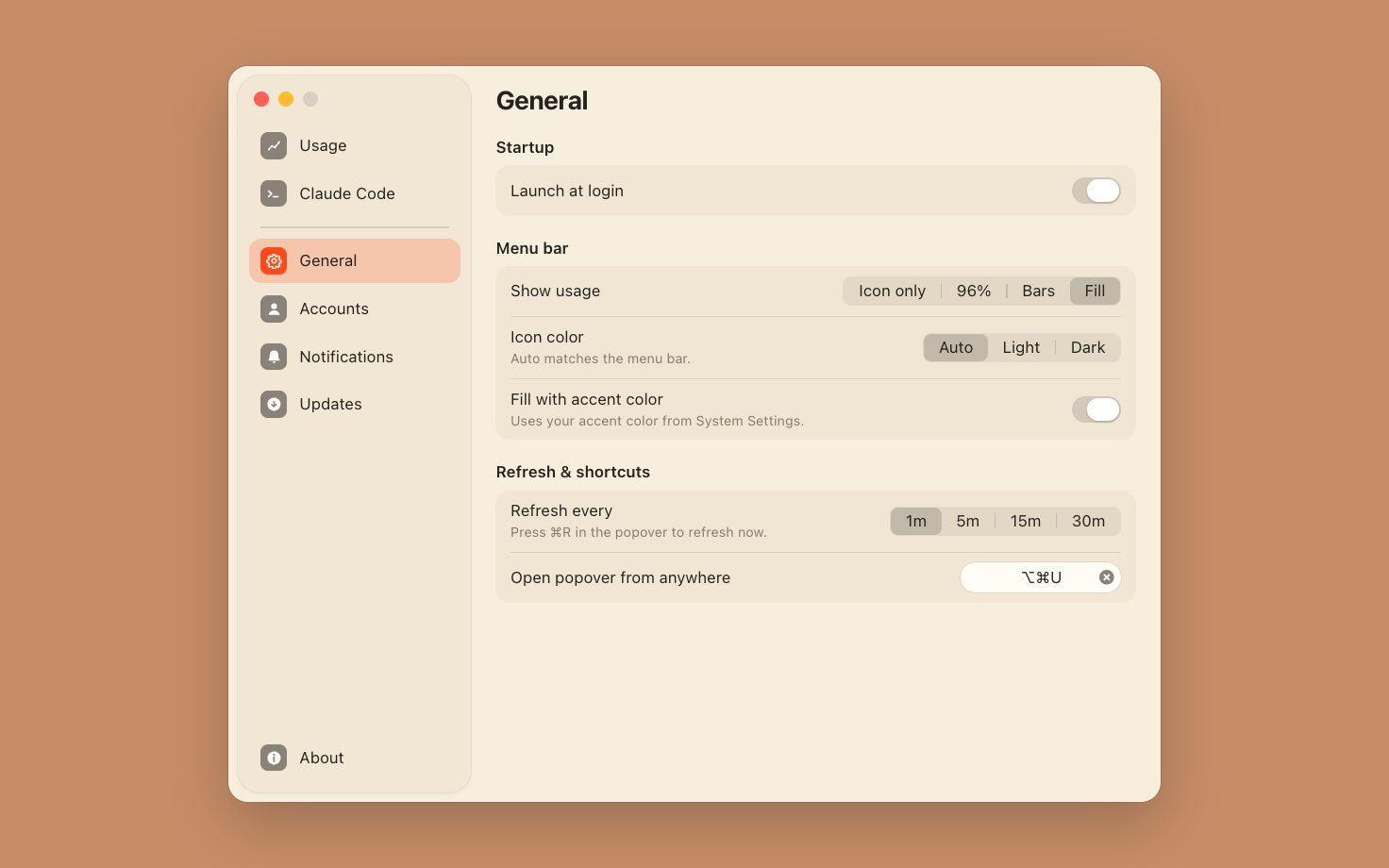
The rest is in Settings.
How the menu bar icon looks, how often it refreshes, and a shortcut to open it.
-
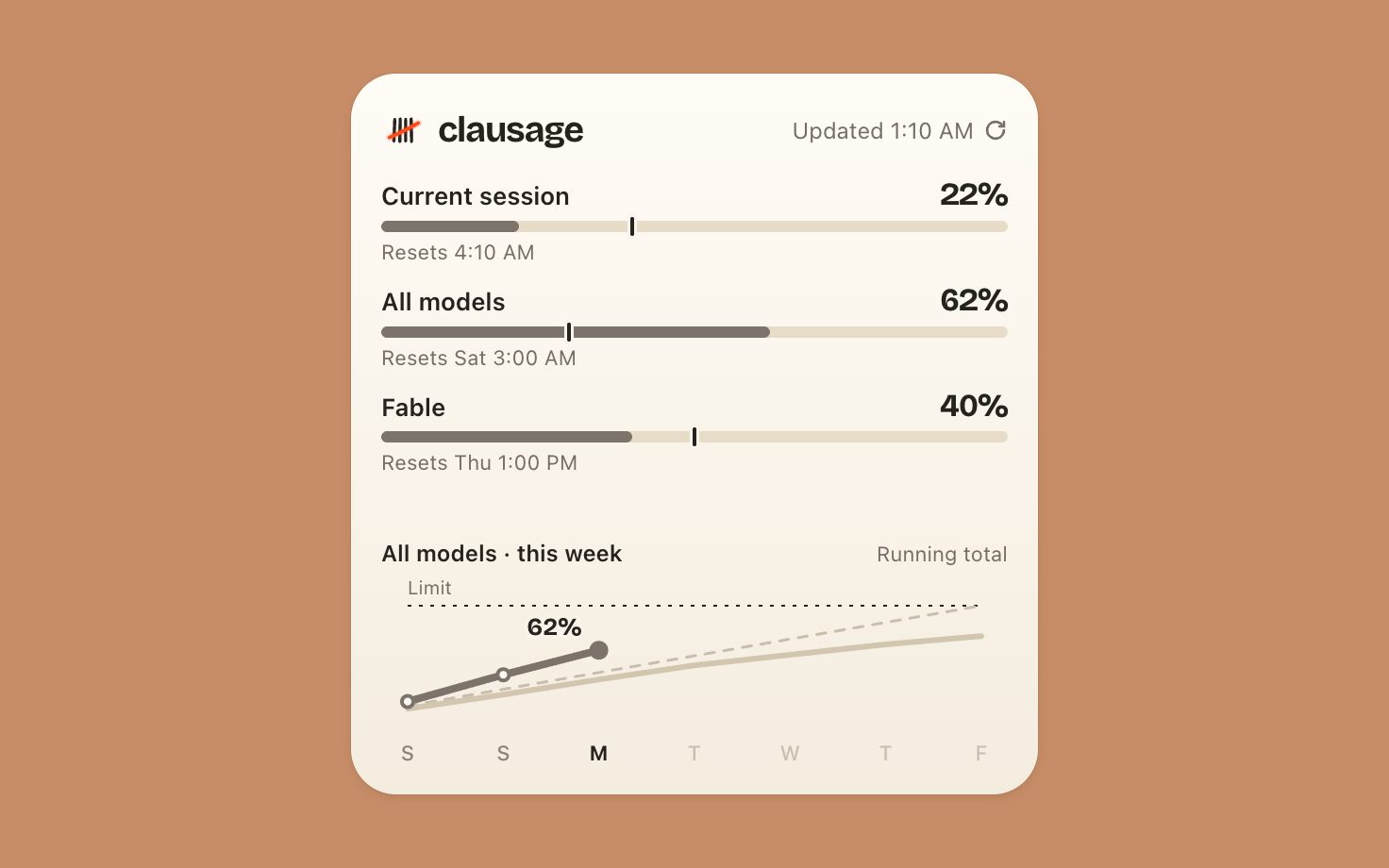
One small thing stayed:
a trace of last week, so you can see how you've been chewing through it.
The outcome
A glance before a big job.
Now I know whether there's room for it. When I'm running hot, it tells me what time I'll run out. By the end of the first week, about half a dozen people were using it, some of them all day.
48
hours from concept to launch.1
14
weeks of marketing content built by a marketing agent.
6
people using it by the end of the first week.
Sunday morning there was nothing. Monday night the Mac app was launched and updating itself, and the iPhone app was in TestFlight.1 View the timeline
-
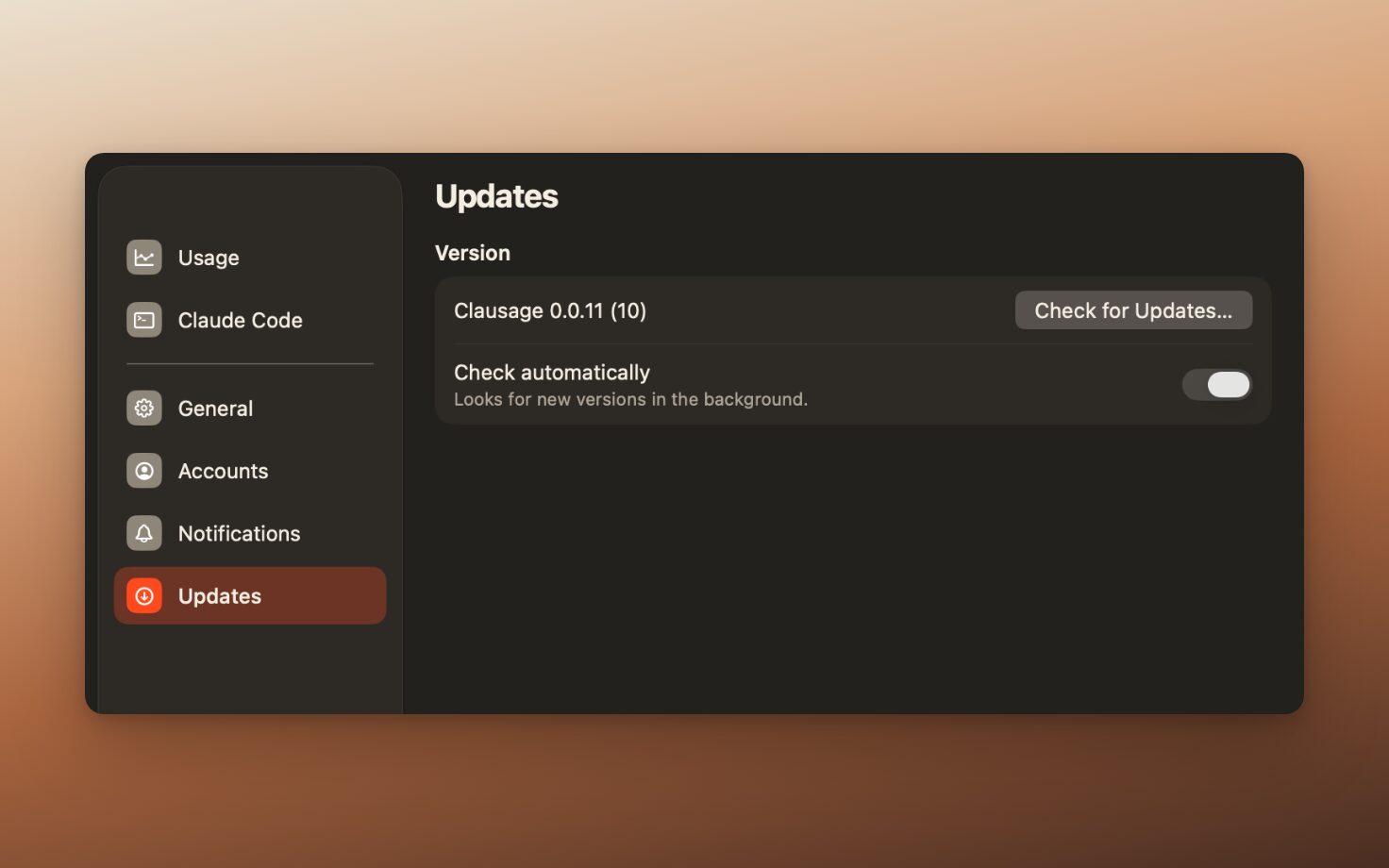
It updates itself.
The Mac app checks clausage.ai and downloads new versions in the background.
-
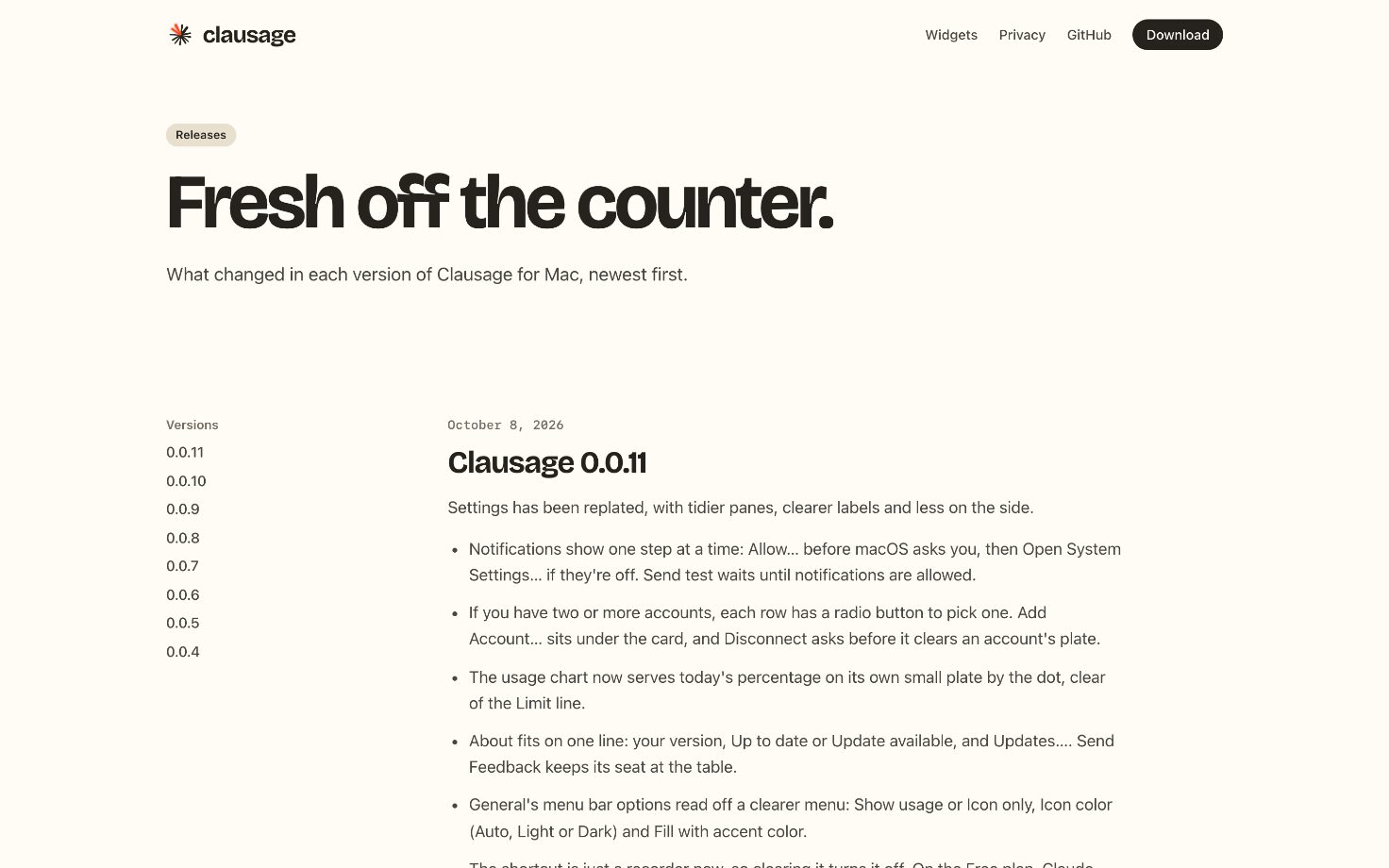
Eleven releases in five days.5
From 0.0.4 on, each has its notes on clausage.ai.
-
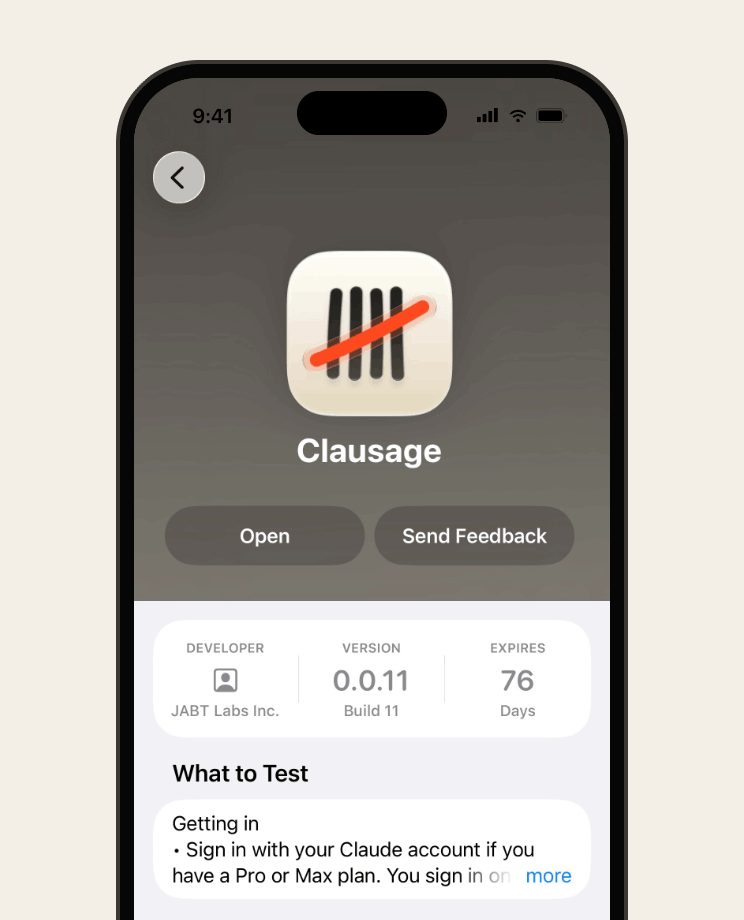
In TestFlight.
The iPhone app, before the App Store.
My take
A whole product, brand and marketing included, is a one-person job now.
The brand, the site and the posts were the surprise. Before Clausage I didn't know how I'd ever make all of that for myself. One week showed me what one person can ship, and I'd start the next product the same way.
Questions? Answers.
-
Is it made by Anthropic?
No. Clausage is independent, and not made by or affiliated with Anthropic.
-
Where can I get it?
The Mac app is free at clausage.ai and updates itself. The iPhone app is in TestFlight and isn't on the App Store yet. Both need a Claude Pro or Max plan.
-
Does it work with Claude Code?
Yes. It reads your plan's limits however you use Claude. On the Mac it can also scan Claude Code's local logs, if you turn that on, and keeps only the totals.
-
Does the iPhone app need the Mac?
No. Each app signs in on its own. They don't talk to each other, and nothing syncs through iCloud.

Board Watch.